
- 0484-2463825, 2466066, 2461933


- College Code:

The faculty at mechanical engineering department continuously strive to enhance the quality of education by adopting innovative teaching and learning methods. These initiatives are aimed at creating an engaging, inclusive, and effective learning environment that caters to the diverse needs of students. The innovative teaching and learning practises helps the students to enhance the knowledge gaining opportunities. Key innovations implemented include.
| Sl NO | Innovation Method | Innovation Method | Objective |
| 1 |
Google Classroom |
Online Tool/Blended learning |
Make it easier for teachers and students to create, distribute, grade, and share files. |
| 2 |
Video class |
Live Demonstration |
Increase students' understanding while enabling instructors to deliver their lessons in an engaging manner. |
| 3 |
ET LAB- The Learning Management System |
Combining online and offline teaching methods to enhance the educational experience for students. |
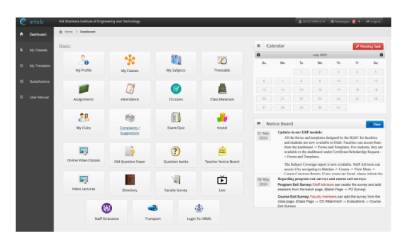
Through ETLAB, teachers provide students with learning materials, online practice sets containing multiple- choice questions, lesson plans, course outcomes, and various other helpful resources |
| 4 |
ICT-Equipped Classrooms: |
More demonstrative teaching |
Enhances teaching, learning, and research by providing dynamic, interactive tools for visualizing complex concepts |
| 5 |
Virtual lab |
Online learning platform |
Learn concepts and methodologies of engineering practically through remote access to simulation based labs |
| 6 |
E-Learning |
NPTEL/Coursera/Udemy /NITTR/NASSCOM/ Infosys Spring Board Future skills |
Upgrade the quality of Engineering education and using resources beyond the curriculum. |
| 7 |
Working Model |
Demonstration of working model of the project |
Enhances the knowledge towards hardware aspect |
| 8 |
Live Demonstration |
Demonstration of tools and equipments |
a live showing and explanation. |
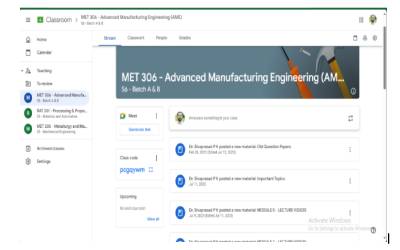
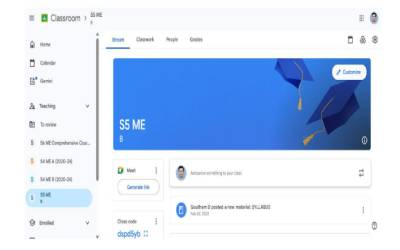
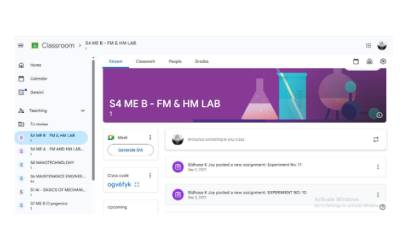
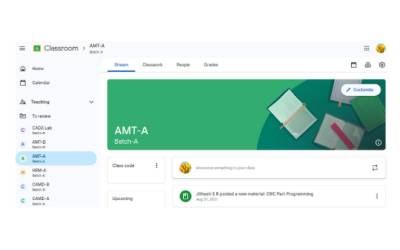
1. GOOGLE CLASSROOM
Google Classroom is a free blended learning platform developed by Google for educational institutions. Its primary purpose is to simplify and streamline the process of creating, distributing, and grading assignments, fostering communication, and boosting collaboration between teachers and students.
Core Functionalities and Features:
Assignment Management:
2. VIDEO CLASS
Video classes offer a rich and dynamic environment for faculty innovation, pushing beyond traditional lecture formats to create more engaging, accessible, and effective learning experiences

3. ET LAB- THE LEARNING MANAGEMENT SYSTEM
ET LAB as a Campus Management ERP with LMS Features:
ET LAB appears to be a holistic solution designed for higher educational institutions to streamline various administrative and academic processes. Its "LMS" aspect is integrated within this larger ERP framework.
Key Features and Functionalities Relevant to Learning Management:
Specific Modules within ET LAB that contribute to the LMS aspect:
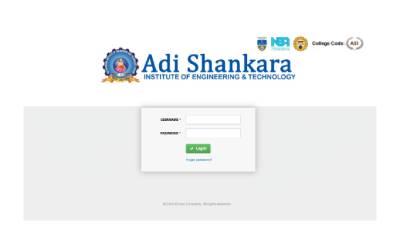
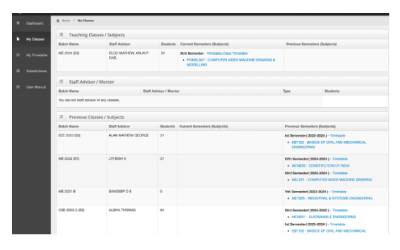
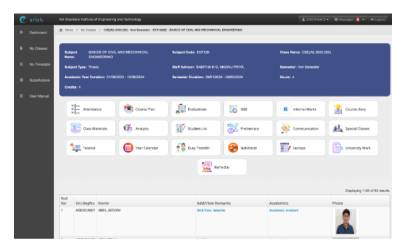
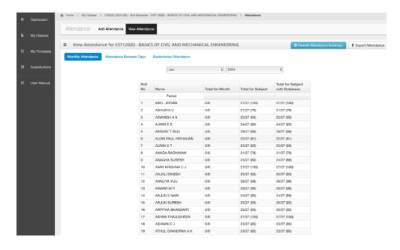
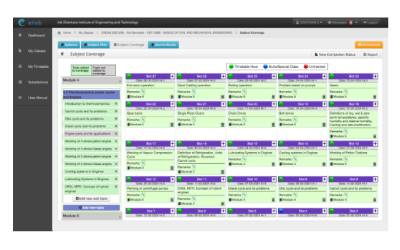
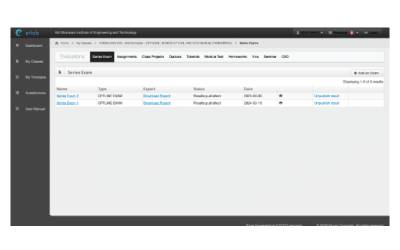
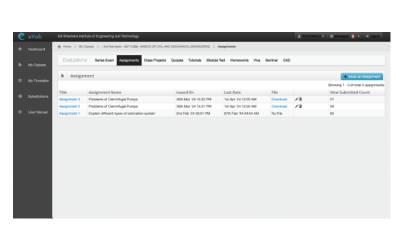
The college utilizes a learning management system called ETLAB. Through ETLAB, teachers provide students with learning materials, online practice sets containing multiple- choice questions, lesson plans, course outcomes, and various other helpful resources. Through the integration of Linways, the college fosters a blended learning approach, combining online and offline teaching methods to enhance the educational experience for students.
4. ICT-EQUIPPED CLASSROOMS:
An ICT-equipped classroom (Information and Communication Technology-equipped classroom), often interchangeably called a smart classroom or digital classroom, is a learning environment that integrates various digital technologies and resources to enhance and facilitate the teaching and learning process. It moves beyond traditional chalkboards and textbooks to create a more dynamic, interactive, and engaging educational experience.
Key Components of an ICT-Equipped Classroom:
While the specific setup can vary, common components typically include:
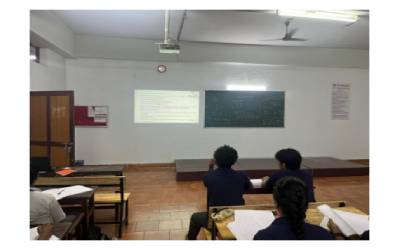
Our department emphasizes the utilization of ICT-enabled resources to enhance the teaching and learning process. Department is equipped with ICT facilities, including laptops and projectors. This enables students to access digital technology, leading to significant improvements in teacher effectiveness.
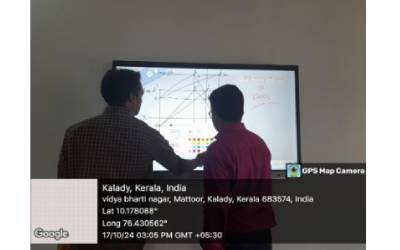
The utilization of smart boards in the mechanical engineering department enhances teaching, learning, and research by providing dynamic, interactive tools for visualizing complex concepts such as Thermodynamics, Fluid mechanics, and Engineering Graphics. Through real-time simulations, CAD model manipulation, and live data analysis from experiments, students gain deeper understanding and engagement. Smart boards facilitate collaborative learning, allowing students and faculty to work together on problem-solving and design projects, with seamless integration of engineering software like MATLAB, AutoCAD, and ANSYS. They also support hybrid learning through remote collaboration with industry experts and external supervisors. Despite challenges such as high costs, technical training requirements, and maintenance needs, their benefits outweigh these limitations when proper training, software integration, and infrastructure support are in place. By transforming traditional teaching methods and streamlining complex analysis, smart boards contribute significantly to the productivity and innovation of the Mechanical Engineering department.
5. VIRTUAL LAB
A Virtual Lab, in the context of faculty innovation, refers to an initiative, project, or system developed and implemented by an educator or team of educators that creates a simulated, interactive, and accessible online environment for practical learning experiences. This innovation aims to enhance, augment, or replace traditional physical laboratory settings, leveraging digital technologies such as simulations, virtual reality (VR), augmented reality (AR), and remote access tools.
Key characteristics of a Virtual Lab as a faculty innovation often include:
Educator-Driven Development: The design, content, and pedagogical approach are primarily conceived and executed by faculty members to address specific teaching challenges or enhance learning outcomes in their courses.
Problem-Solving Focus: It typically arises as a creative solution to overcome limitations of physical labs (e.g., cost, safety, accessibility, equipment scarcity, scheduling conflicts) or to introduce novel teaching methodologies.
Enhanced Experiential Learning: The core purpose is to provide students with hands-on, interactive experiences that foster practical skills, critical thinking, and a deeper understanding of theoretical concepts, even when physical access is constrained.
Technological Integration: It involves the innovative application of digital tools and platforms to create realistic, engaging, and often customizable simulated environments.
Scalability and Accessibility: A key innovative aspect is often the ability to deliver high-quality practical education to a larger and more diverse student body, regardless of their location or physical limitations.
Improved Pedagogical Outcomes: The innovation seeks to improve student engagement, retention, assessment of practical skills, and overall learning effectiveness compared to existing methods.
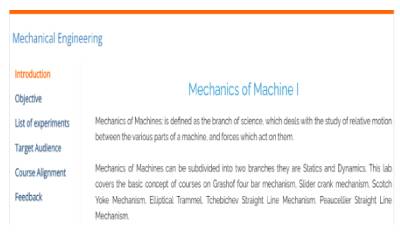
Department has actively participated in the Virtual Lab initiative, which is a government initiative under the Ministry of Education (MoE) in India. Our Department alongside of the nodalcenter at ASIET conducts training programs for faculty and students, enabling them to maximize the benefits of the Virtual Lab facility.
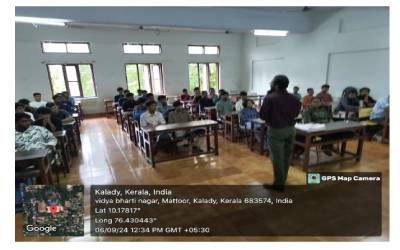
Activity Report: "Empowering Education through Virtual Lab" for First-Year Mechanical Engineering Students
Event Details:
Date: 6th September 2024
Venue: Adi Shankara Institute of Engineering and Technology, Kalady
Organized by: Department of Mechanical Engineering
Speaker:
Dr. Sivaprasad P V, Associate Professor, Mechanical Engineering Department, Adi Shankara Institute of Engineering and Technology, Kalady.
Objective:
The session titled "Empowering Education through Virtual Lab" aimed to introduce first- year Mechanical Engineering students to the concept of virtual labs and their importance in mechanical engineering education.
Event Summary:
The session began with a detailed lecture by Dr. Sivaprasad P V, who explained the basic awareness of virtual lab platforms and their growing relevance in modern engineering education. He emphasized the ability of virtual labs to provide students with the tools to simulate and understand complex mechanical processes in a virtual environment, enhancing their learning experience without the need for physical equipment.
Key Demonstrations:
Two important experiments were demonstrated during the session:
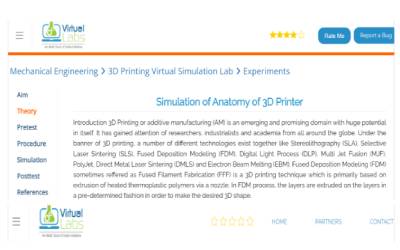
3D Printing Anatomy: This experiment focused on introducing students to the inner workings of 3D printing technology. The virtual simulation highlighted the various components and operations of 3D printers, giving the students a virtual tour of how mechanical parts can be printed layer by layer using this technology.
Basic Science-Related Experiments Familiarization: A series of basic science experiments were demonstrated to help students grasp the underlying scientific principles essential for mechanical engineering. These virtual lab experiments provided insights into how theoretical knowledge translates into practical applications in the field of mechanics.
Interactive Session:
The session was highly interactive, with students actively participating and engaging with the virtual lab simulations. Dr. Sivaprasad encouraged questions and discussions, ensuring that students gained hands-on exposure to both cutting-edge technologies and fundamental science principles crucial for their academic and professional development in mechanical engineering.
Conclusion:
The event was a resounding success, with students expressing great interest in virtual labs and their potential to transform the way they approach engineering problems. The session provided a valuable opportunity for students to experience innovative learning tools that can enhance their technical skills and understanding of mechanical concepts.


6. E-LEARNING :
E-Learning refers to the development, adoption, and creative implementation of digital technologies and pedagogical approaches by faculty members to enhance, transform, or deliver educational content and experiences online or through electronic means.
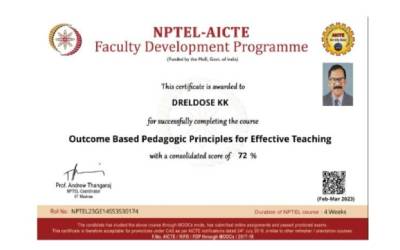
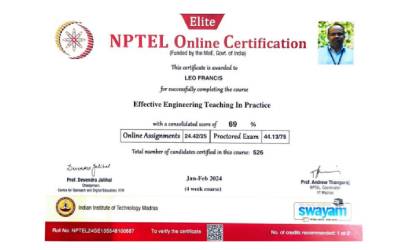
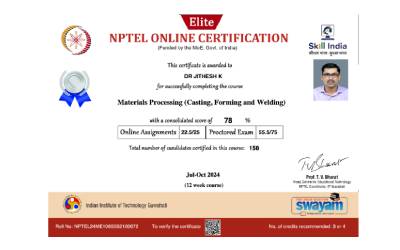
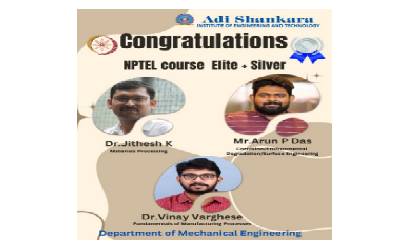
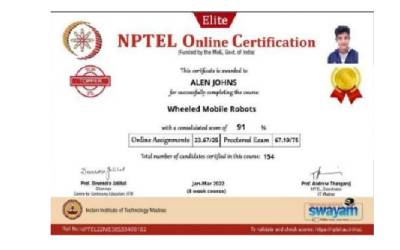
ASIET serves as a local chapter for NPTEL (National Programme on Technology Enhanced Learning) in collaboration with the Ministry of Education (MoE) and the Indian Institutes of Technology (IITs). As part of an NPTEL Local Chapter, the Mechanical Department actively promotes and facilitates the utilization of NPTEL courses and resources, encouraging both faculty and students to engage with advanced learning materials that enhance their understanding of core mechanical engineering concepts and practices.
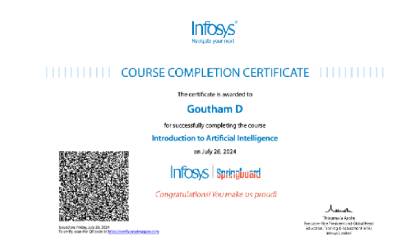
Infosys Springboard is a comprehensive, free-to-access digital learning platform launched by Infosys. It's a key initiative under Infosys's ESG (Environmental, Social, and Governance) "Tech for Good" charter, aiming to democratize access to digital and life skills for a wide range of learners globally

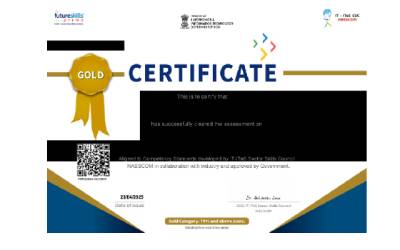
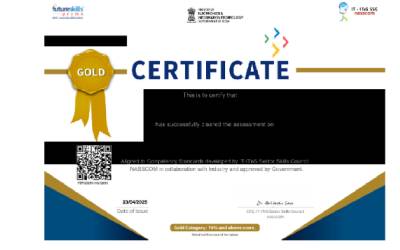
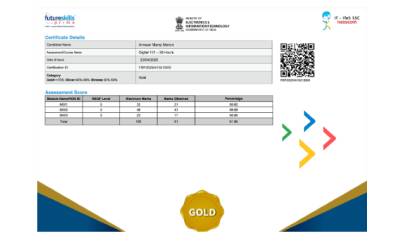
NASSCOM (National Association of Software and Service Companies) plays a significant and multi-faceted role in fostering innovation in teaching and learning processes, particularly within the context of faculty development in India's technology and IT-BPM (Information Technology - Business Process Management) sector. Their efforts are primarily driven by the need to bridge the skill gap between academia and industry and ensure that the Indian workforce is future-ready for emerging technologies.
Here's how NASSCOM influences and promotes faculty innovation in teaching and learning:

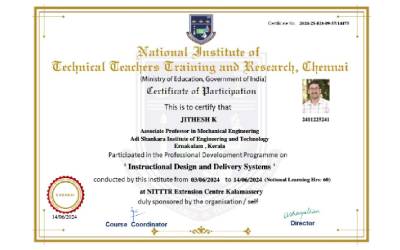
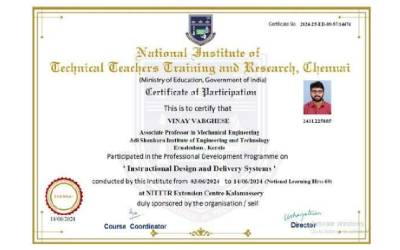
The National Institute of Technical Teachers' Training and Research (NITTTR) is a group of apex institutions in India dedicated to enhancing the quality of technical education. Established by the Ministry of Education, Government of India, these autonomous institutes (located in Chennai, Chandigarh, Bhopal, and Kolkata) play a crucial role in the professional development of technical teachers and the overall improvement of the technical education system.
7. WORKING MODEL
Working Model Description for faculty innovation in teaching and learning essentially outlines a structured approach or framework that institutions or departments can adopt to foster, implement, and sustain innovative pedagogical practices among their faculty members. It's not a single, universally defined model, but rather a description of how innovation is encouraged and supported within a specific contex.
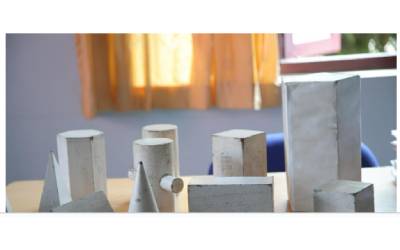
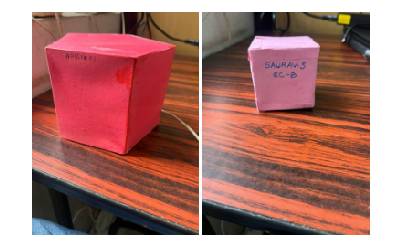
The courses like Engineering Graphics and Machine Drawing/CAD Lab faculties use physical models and 3D models at the time of teaching/drawing to attain the course outcomes. Some of the 3D models used in the class rooms are



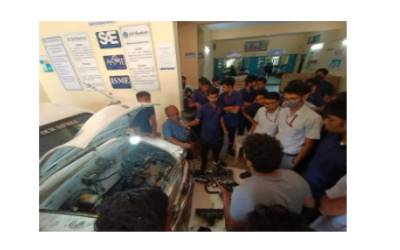
8. LIVE DEMONSTRATION
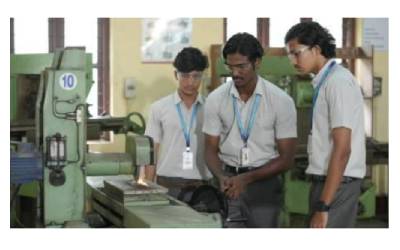
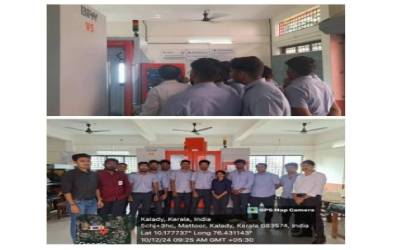
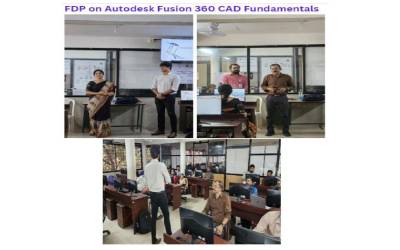
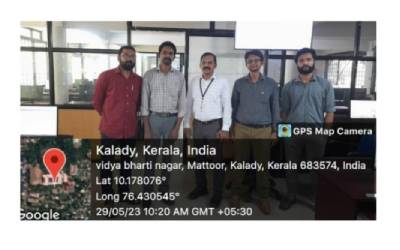
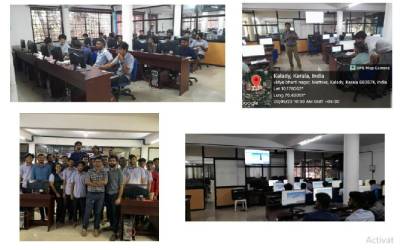
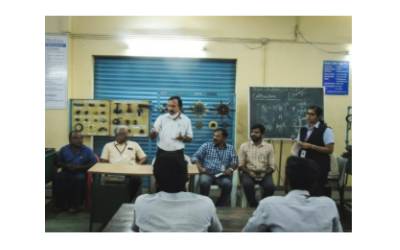
A Live Demonstration in Faculty Innovation in Teaching and Learning" is a highly effective way to showcase and disseminate new pedagogical approaches, tools, and strategies. It moves beyond theoretical discussions to provide practical, hands-on insights into how innovative teaching methods actually work in a classroom or learning environment
© Adi Shankara Institute of Engineering Technology 2026. All Rights Reserved
Developed by Web Design Company Kerala Intersmart